What you need
- A PC with Windows 10 or 11 (64-bit — Intel, AMD or ARM).
- An active Apple Music subscription. You don't need iTunes.
- A free Music File Lab account — you create it in the app.
Step by step
- Download the installer from the Download page (Windows 10 or 11, 64-bit) and run
Music-File-Lab-Setup.exe. Installing takes a few seconds. - If Windows asks with “Windows protected your PC”, click “More info”, then “Run anyway”.
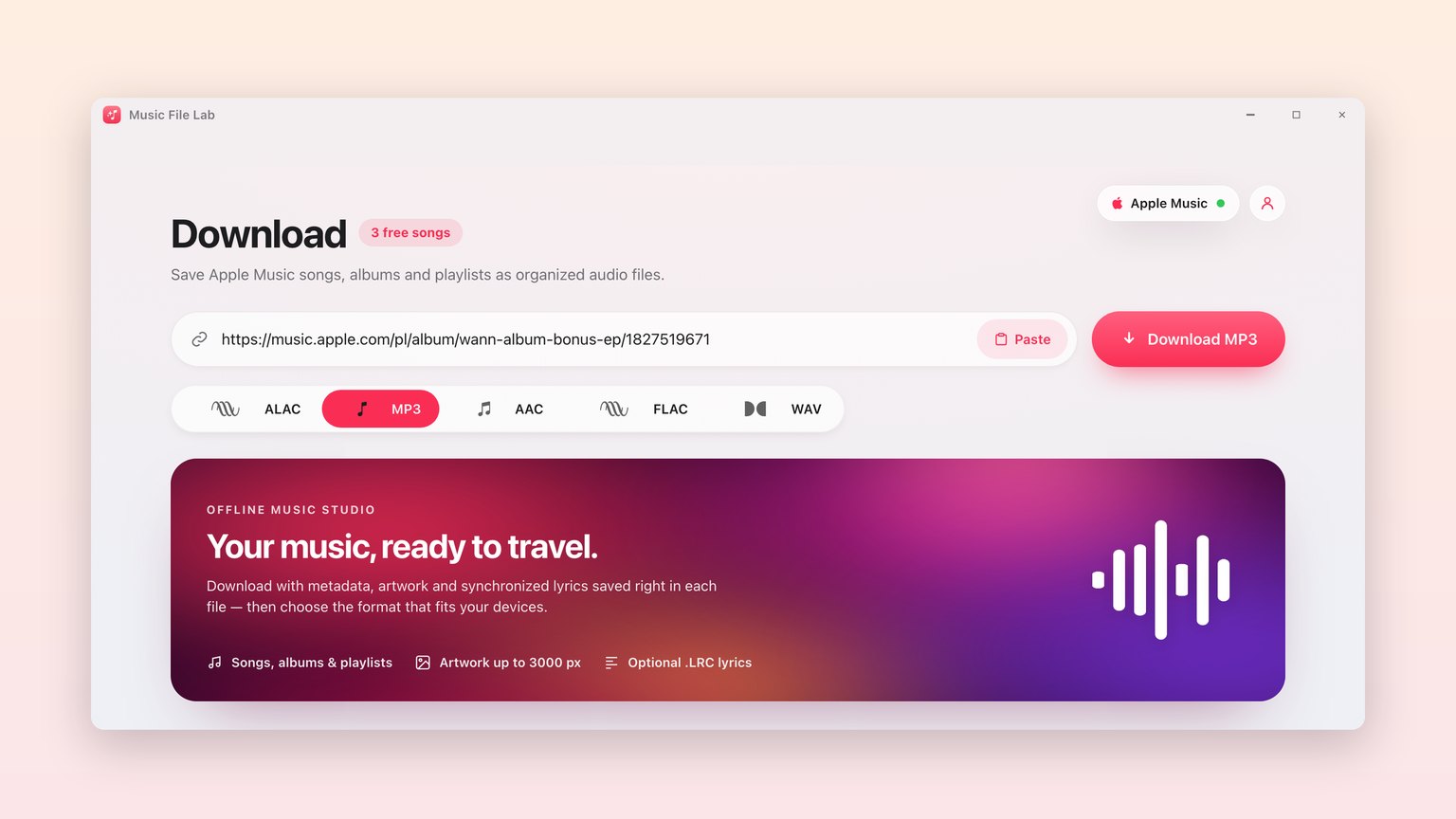
- Create a free account — your first 3 songs are free, no card.
- Connect Apple Music with the button in the top-right corner and sign in with your Apple ID in the window that opens.
- Copy a link to a song, album or playlist: in the Apple Music app for Windows click “…” → “Share” → “Copy Link”; on music.apple.com just use the address from your browser bar.
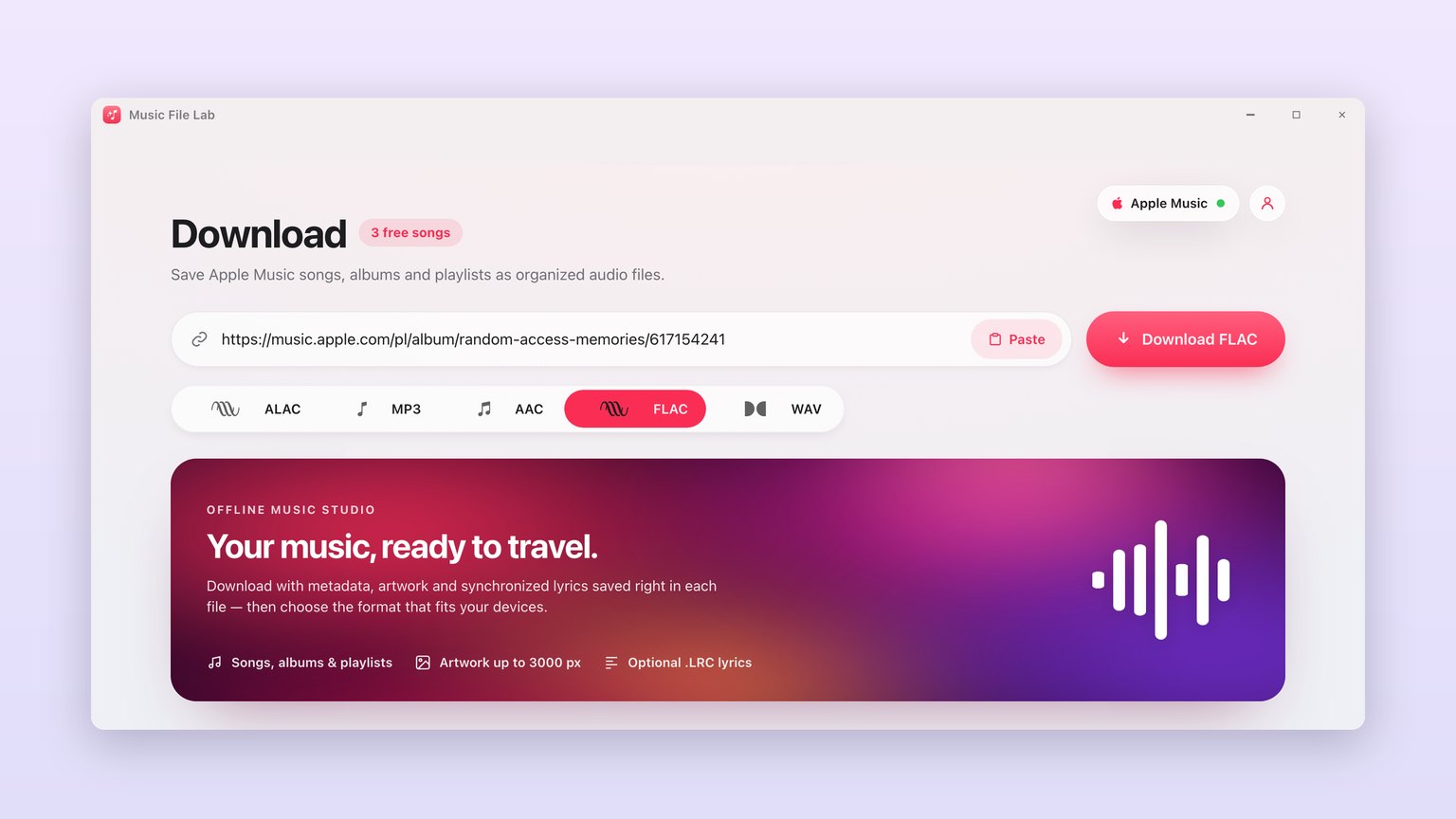
- Paste the link and choose FLAC.
- Click Download. The files go to
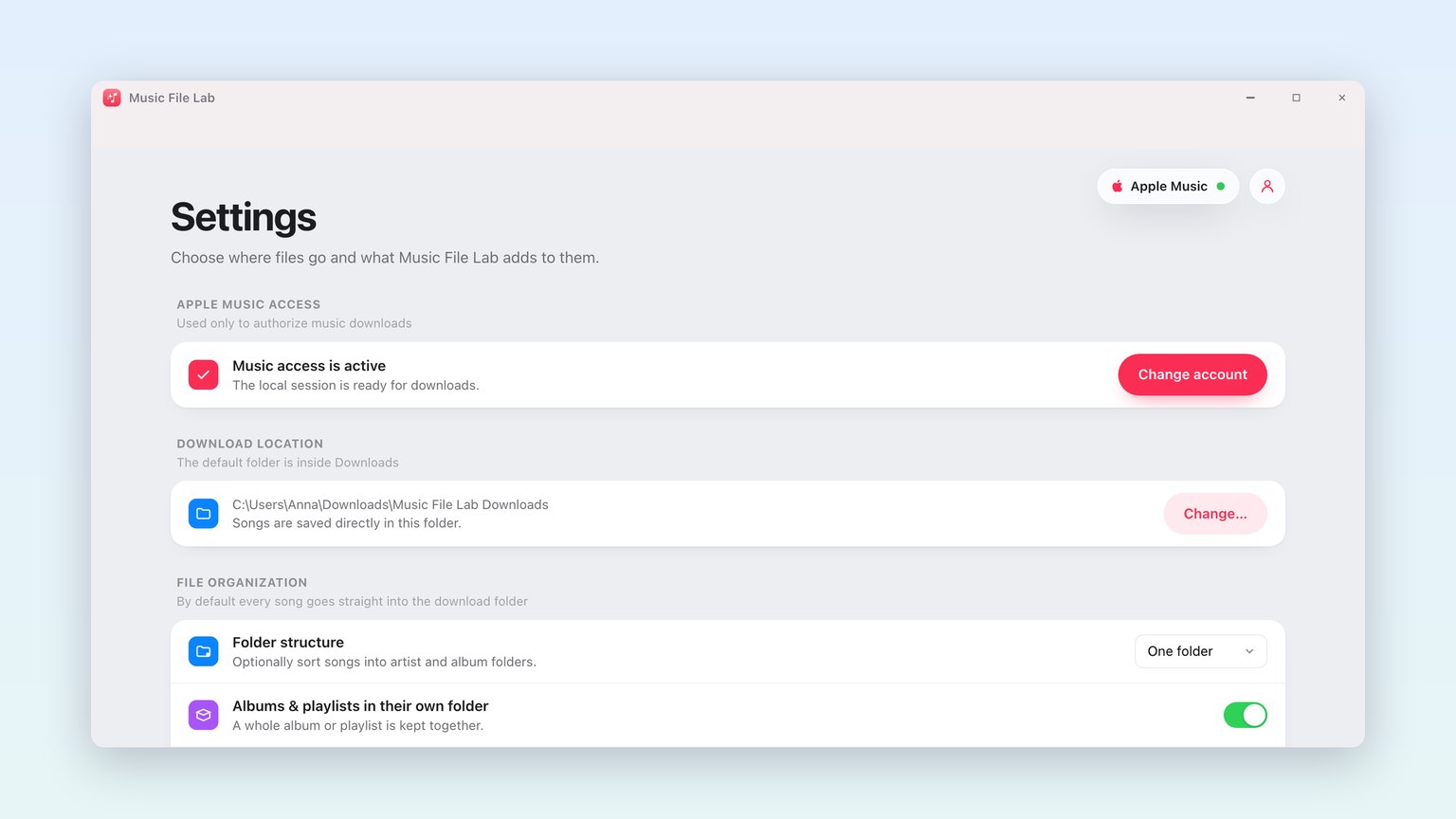
Downloads\Music File Lab Downloads(you can change it in Settings).
FLAC or ALAC on Windows?
Both formats are lossless — they differ in compatibility, not sound. On Windows FLAC is usually the better pick: it plays in Windows Media Player, foobar2000, MusicBee, AIMP and VLC, on music servers (Plex, Jellyfin), network players and Android. Choose ALAC (.m4a) if the files are mainly headed for an iPhone or the Music app on a Mac. Full comparison in the formats guide.
Where the files go and what they look like
By default everything goes into one folder, Downloads\Music File Lab Downloads, with files named “Artist - Title”. In Settings you can turn on artist, album and playlist folders, or a separate folder per format. The “Open downloads folder” link in the app opens it in File Explorer.
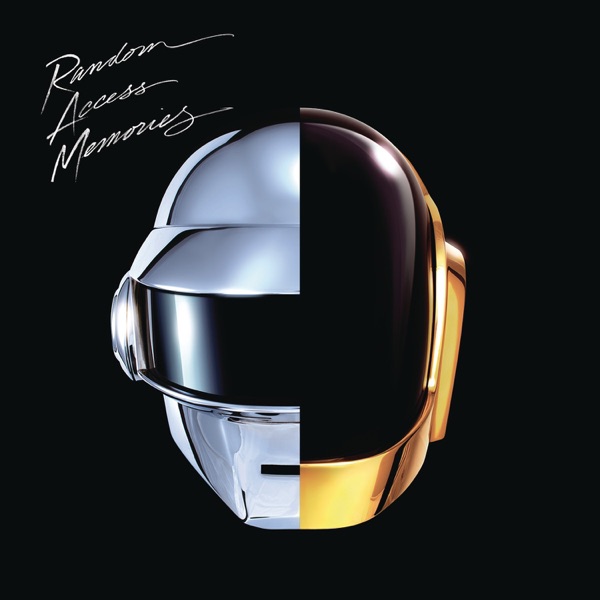 Daft Punk - Give Life Back to Music.flacFLAC
Artwork, tags and lyrics in the file
Every FLAC file gets the title, artist, album, year, track number, artwork (up to 3000 px) and the song's lyrics. If you'd rather have synced lyrics in a separate file, turn on .lrc saving — more in the .LRC guide.
How much space does FLAC take?
Lossless files are several times larger than MP3 or AAC. Roughly: a 3–4‑minute song in FLAC is usually 20–40 MB, and a whole album a few hundred MB. For a car USB stick or a phone with little storage, MP3 is the better choice.
What you can use the files for
Downloaded files are for your private listening. Don't share or publish them. Use the app in line with the law in your country and Apple Music's terms.
Frequently asked questions
Does it work on Windows 10?
Yes — on 64-bit Windows 10 and 11. On PCs with an ARM processor (such as Snapdragon) the download page offers the ARM version automatically.
Can I save a whole album or playlist?
Yes — paste an album or playlist link. Whole collections are part of Premium; the free trial covers 3 songs.
I have Premium on my Mac. Does it work on Windows?
Yes. Premium belongs to your account, so just sign in with the same account in the Windows app.
Does my Apple ID password reach Music File Lab?
No. You sign in in Apple's window inside the app, and the session stays on your computer.
Apple Music songs, albums and playlists as ALAC, FLAC, WAV, AAC and MP3 files. On Windows and Mac, 3 songs free.