When MP3 is the right choice
MP3 plays practically everywhere: car radios with a USB port, older players, TVs, speakers with a card slot. Music File Lab saves MP3 at 320 kbps — the highest quality the format offers — with artwork and tags, so your car shows the title, artist and often the cover.
Step by step
- Download the installer from the Download page (Windows 10 or 11, 64-bit) and run
Music-File-Lab-Setup.exe. Installing takes a few seconds. - If Windows asks with “Windows protected your PC”, click “More info”, then “Run anyway”.
- Create a free account — your first 3 songs are free, no card.
- Connect Apple Music with the button in the top-right corner and sign in with your Apple ID in the window that opens.
- Copy a link to a song, album or playlist: in the Apple Music app for Windows click “…” → “Share” → “Copy Link”; on music.apple.com just use the address from your browser bar.
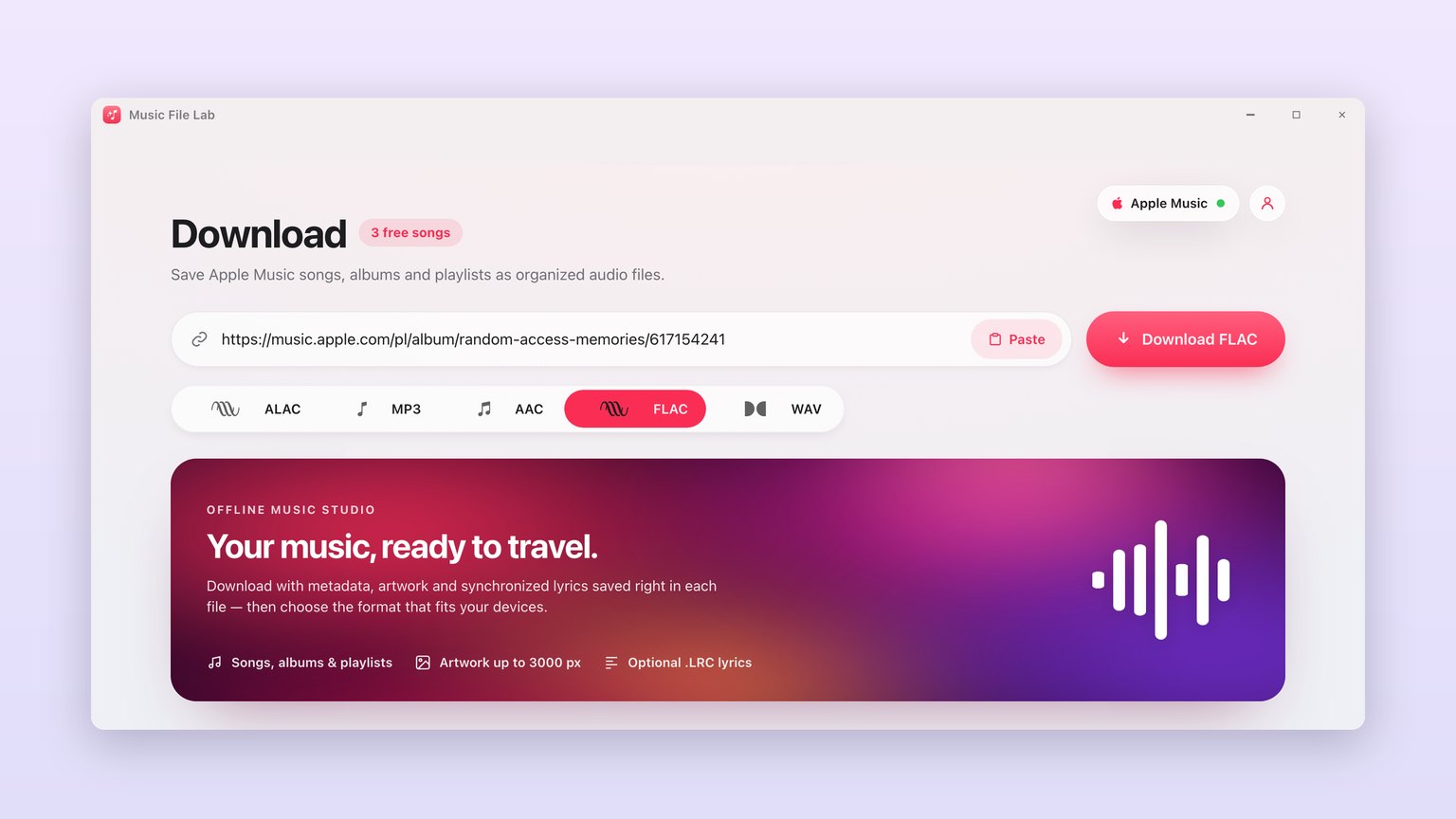
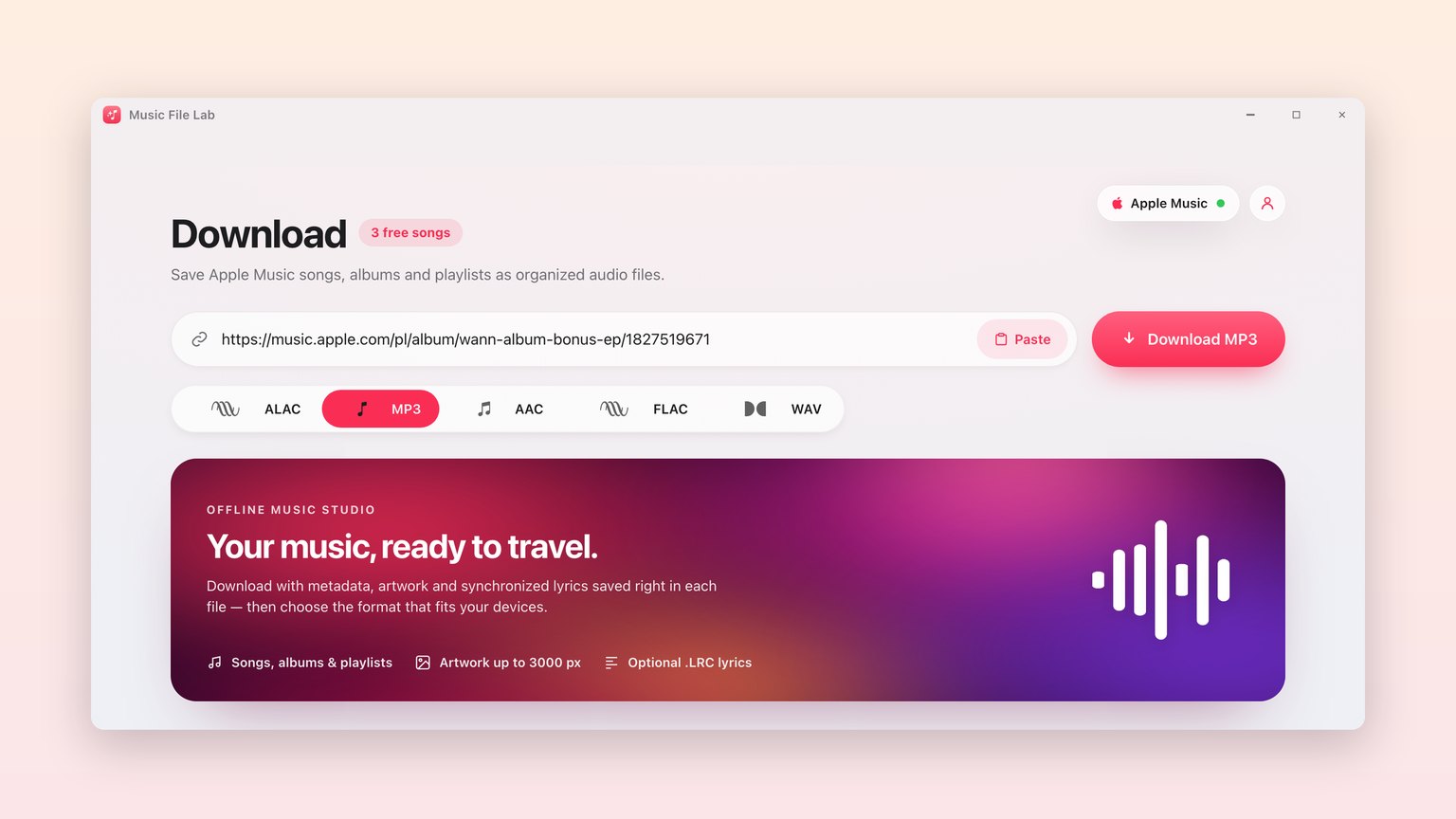
- Paste the link and choose MP3.
- Click Download. The files go to
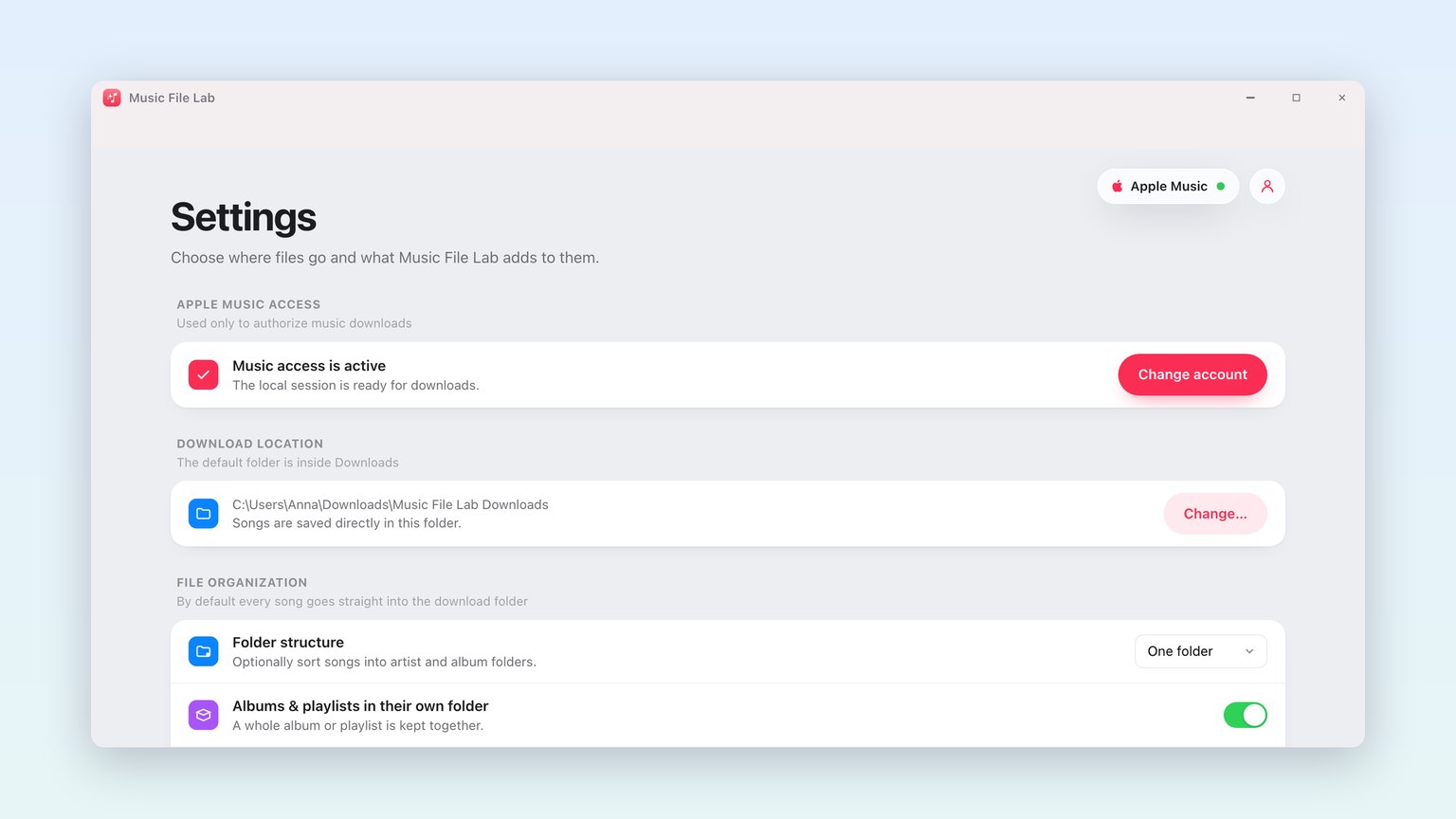
Downloads\Music File Lab Downloads(you can change it in Settings).
A USB stick for the car
- Download the songs or a playlist as MP3.
- Plug in the USB stick and open it in File Explorer. Most car stereos need the FAT32 file system (sticks up to 32 GB usually come with it).
- Drag the files or the whole folder from
Downloads\Music File Lab Downloadsonto the stick. - Eject the stick safely and plug it into the car.
More on track order and folders in Apple Music on a USB stick for the car.
Artwork, tags and lyrics
Every MP3 has the title, artist, album, year, track number, artwork and lyrics in its ID3 tags, readable in File Explorer, Windows Media Player and most players.
What you can use the files for
Downloaded files are for your private listening. Don't share or publish them. Use the app in line with the law in your country and Apple Music's terms.
Frequently asked questions
Is 320 kbps MP3 good quality?
Yes — it's the highest MP3 quality. If you want lossless files for hi‑fi gear, choose FLAC.
Can I download a whole playlist at once?
Yes — paste a playlist link. Whole collections are part of Premium; the free trial covers 3 songs.
Do I need iTunes?
No. An active Apple Music subscription is enough — you sign in to it inside Music File Lab.
Apple Music songs, albums and playlists as ALAC, FLAC, WAV, AAC and MP3 files. On Windows and Mac, 3 songs free.